+49 7541 70078-776
Send Passwords Securely
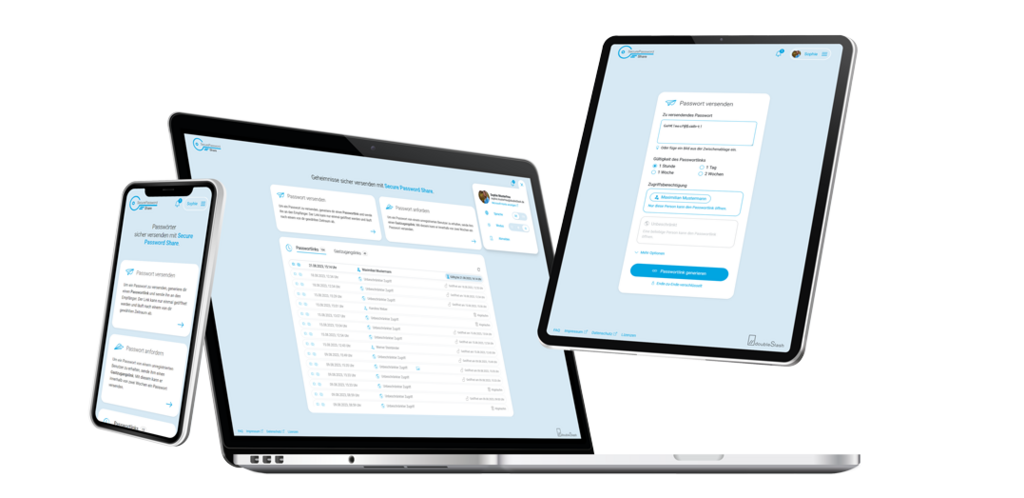
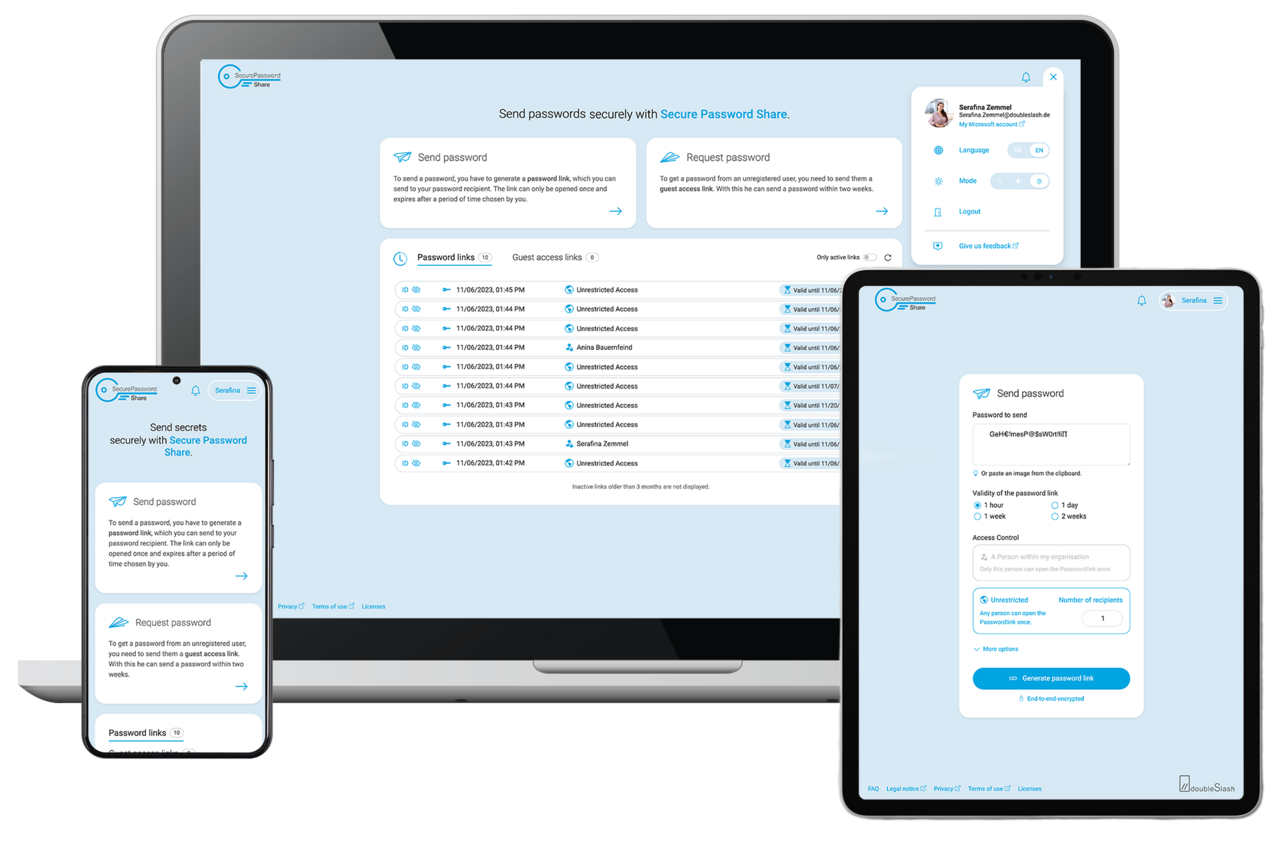
Our secure password exchange tool for businesses allows you to create and send password links that can only be accessed once.
- Share passwords and leave no traces behind in emails or chat histories.
- Set an availability period and keep track of all activities using a dashboard.
- Receive notifications about any activity using your password links.
Security Features of the Secure Password Exchange

End-to-End
Encryption
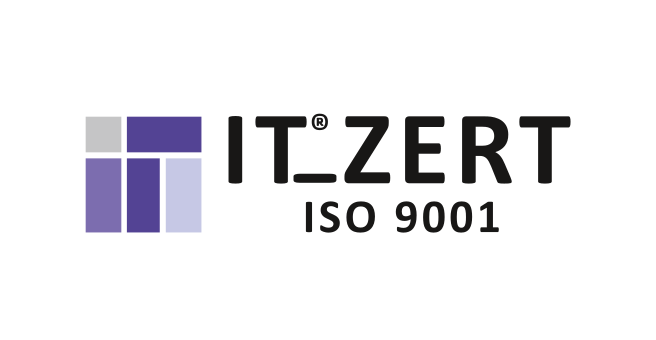
Encryption and decryption only locally in the browser

One-Time
Decryption
The password is displayed once and then irrevocably deleted

Advanced Security
Features
Send secret keys separately / link sharing only for a specific person

Time-Limited
Access
Password links can only be viewed within a specific time period
doubleSlash Is a Certified IT Service Provider
Secure Password Share developer and provider doubleSlash is certified according to the international standards ISO 27001 and TISAX.
Select the Right License Model
Lite
-
1 user:in
-
no installation necessary
-
simple login via your Google, Microsoft, GitHub or LinkedIn account
-
general functions
Enterprise
- unlimited users
- installation via the Azure Marketplace
- general functions
- additional functions
General Functions
- Unlimited number of password links and up to 20 recipients per link
- 1 hour to 2 weeks validity period per link
- Dashboard with link history and password link activity notifications
- One-time valid guest access links
- Send sensitive image data (e.g. screenshots)
Technical details
- 2-factor authentication with Microsoft account
- Web app for Windows, iOS, Android
- Easy to switch between German and English
- Simply log in for Lite version, install Enterprise version via Azure
Enterprise Version Only
Access Authorization for Specific Persons
Your own Secure Password Share instance
Central Administration of All Users
Custom Domain Option
More About Functions and Security
How can passwords be sent? Passwords can be sent using a password link.
How can passwords be requested?
Passwords can be requested by clicking a guest access link.
Can I store passwords permanently in Secure Password Share?
No. Secure Password Share is not a password manager for storing passwords permanently. Secure Password Share is used only to share passwords securely.
How long can a password be viewed?
After a specified time period chosen by the sender, the encrypted password is irrevocably deleted from the database.
How often can a password be displayed?
As soon as a password has been decrypted or displayed, it is irrevocably deleted from the database.
What is the effect of end-to-end encryption with Secure Password Share?Encryption and decryption only take place locally in the browser. The secret key is never transmitted to our servers. Not even Secure Password Share can see the passwords.
How can I securely share more than just passwords?
Secure Password Share is ideally complemented by the doubleSlash Business Filemanager. The file management tool enables secure and controlled data transfer and collaborative working on files across company boundaries.

Purchase and Installation on the Microsoft Azure Marketplace
Requirements
Instructions for Purchase
Instructions for Installation
Here you will find information to help you purchase and install Secure Password Share Enterprise.
We are also happy to help you personally with the purchase, installation and use of our tool.
Simply use our contact form.
Are You a Provider of a Password Safe?
Then become a partner and give your customers the opportunity to securely share the passwords and digital keys stored in your safe. We look forward to hearing from you.
Are You Interested in Our Secure Password Share or Do You Have Any Questions? Get in Touch!